
In May I wrote that image selection was one of the tasks a chat interface might not be suited for. It is, however, the perfect task for an agent.
As I examine the hundreds of pages generated by our customers I see a recurring pattern: users can generate an accurate, on-brand page in minutes — and then watch it sit unpublished for hours or days while someone hunts down the right photography.
The asset libraries of most ecommerce brands are enormous — tens, sometimes hundreds of thousands of records — and the search tools exposed to users within those libraries leave a lot to be desired. Unless you already know exactly where to look, finding a couple of images with the right aspect ratio, color, and subject is a 30–60 minute excavation. When your creative team has a million things to do, this is exactly the kind of brutally manual, rote work that gets pushed to tomorrow.
It also isn't skippable: retail purchases are driven by feeling, and nothing conveys feeling like lifestyle imagery of the product. So the page sits while a creative human musters the willpower to sift through the DAM search screens.
That's exactly the kind of work an agent should take on.
What We Built
We've long had turnkey integrations to the major CMS and DAM platforms — Amplience, Papirfly, SFCC's Asset Library, Shopify's native CMS and more. Those already let you search your approved assets and select images for a generated page without hopping between apps.
Today we're extending those integrations: our page generation agent now has a sub-agent that matches page context to your image library automatically, at generation time. No haystack hunting.
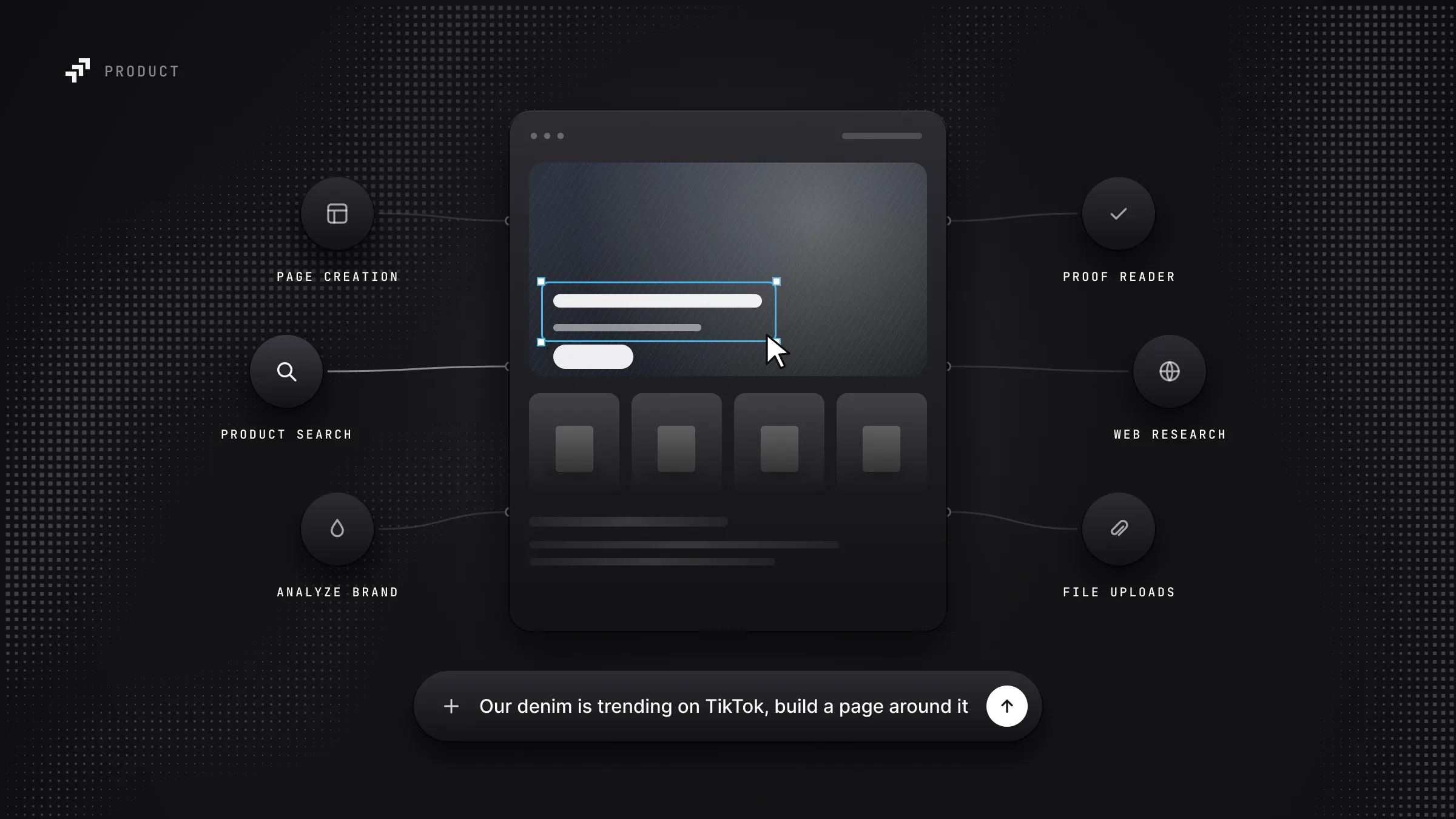
It's a similar shape to Proof Reader, which runs alongside generation and reviews copy against your brand guidelines like an exacting member of the copywriting team. This does the same job for photography.
How It Works
Let me break it down and make this real:
- Superpilot examines each customer's connected repositories (you can connect as many sources as you want!) on a regular cadence and converts every image into a string of numbers — a "vector." We don't store your images. We store the numbers — called embeddings.
- Those embeddings represent the contents of the image in multi-dimensional space. It converts human meaning into mathematical meaning. Bad for humans, GREAT for machines.
- When a page is generated, the primary agent dispatches the image search sub-agent to compare the generated page content against the catalog of embedded images.
- The sub-agent uses those embeddings to compare candidate image contents against the page and component text with mathematical precision — literally measuring the "distance" between the image and the text in multi-dimensional space.
- Combined with traditional filtering — aspect ratio, locale, and so on — the sub-agent delivers shockingly accurate selections in seconds.
Here the agent has generated the page and filled the hero slot without guidance. That's an already-approved asset pulled straight from the creative team's library, no human intervention required.

What Was Tricky
Navigating image libraries to find suitable, high quality images is hard for a human, and making it easy for an agent was not without its own challenges.
DAMs contain more than just raw product shots: it's common for teams to also use them to store marketing materials, such as images with text overlay for use in posters, flyers, one-off marketing emails, internal comms, etc. Much of this has no place on a landing page. While LLMs are great at detecting text in an image with a high degree of reliability, filtering them appropriately turned out to be less than straightforward. It took many iterations and experiments to come up with an approach that could reliably differentiate between text in situ and text overlays.
As is often the case in software development, we needed to find an appropriate balance between performance — the speed of image selection — and quality — the accuracy of the image selection relative to the page context. To gauge the appropriate balance we built two candidate systems: a very high quality agentic loop that took almost a minute per image, and a fully vector search driven approach. Those two reference points helped us define and tune a hybrid approach that could achieve a high quality bar and still serve results in a reasonable (sub-second) timeframe.
The Editor Still Decides
The sub-agent proposes, but the human editor is always in charge of the final decision. Every candidate it surfaced is visible to the approver, and you can search the library yourself and swap any selection before publication.
As always, you have various fallback options when a good candidate isn't located: generated assets, removing the component, or manual upload of a new asset.
Why This Matters
Agentic Image Search makes page generation faster and removes a painful handoff that no team enjoyed.
Before this, a generated page was finished except for one thing, and that one thing belonged to someone else — someone with their own queue, their own priorities. That's the gap where great initiatives go to die. Now the page arrives complete, with approved assets already in place, and the only remaining step is someone saying "yes" (teaser: you'll see another post soon about our new approval process).
We also observe a meaningful quality improvement when image selection is automated: an agent reads the actual page copy before it picks, and it doesn't get bored at image 40, give up, and settle for something "close enough."
No one wants to spend an afternoon in an ancient DAM. Superpilot customers don't have to.