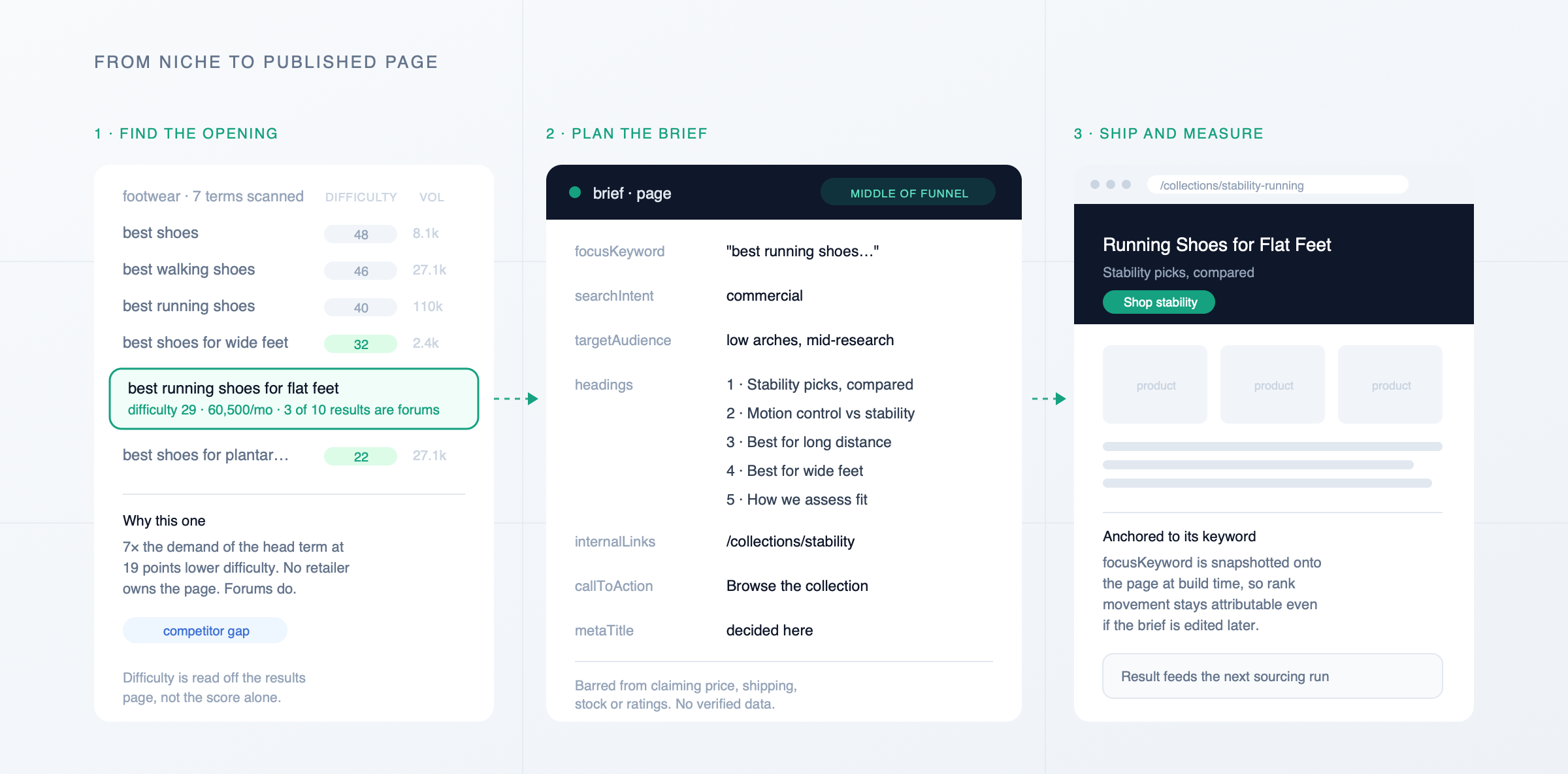
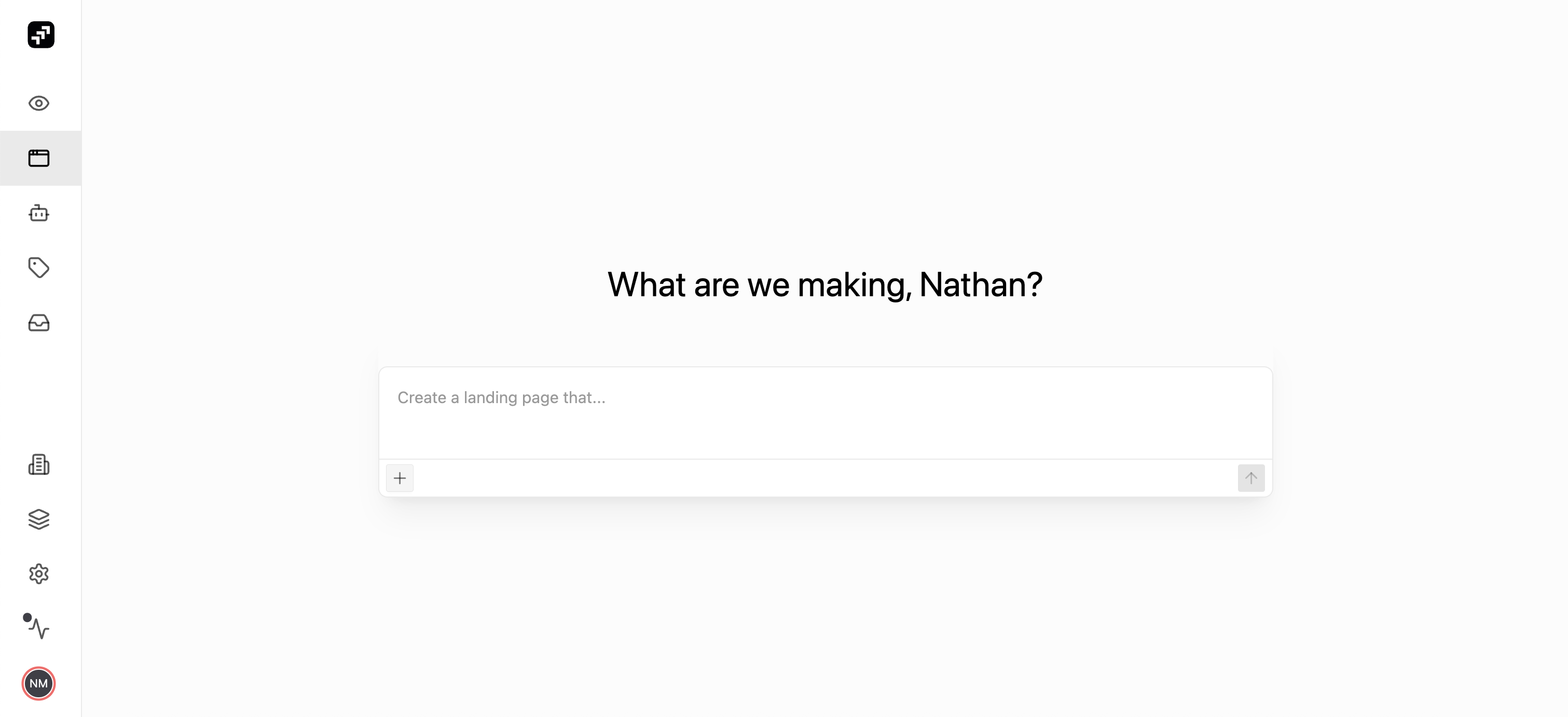
You open up Superpilot and type: "our denim is trending on TikTok this week, build a page around it". Superpilot pulls the products, checks what's in stock, drafts the page in your brand voice, and flags the images for you to approve. You identify a few tactical changes to address, tweak and publish the page directly to your domain. What used to take days of coordination between multiple departments and IT tickets is now literally minutes of work.
While we have been helping brands create content in Superpilot for the past year, both the speed and the shape of this particular example are new and possible because page generation in Superpilot is now driven by a true AI agent that you control via a chat interface. Let me dig into what that actually means.
What Makes It an Agent
"Agent" is probably the most overused term in tech right now, so it's worth defining.
Simply put: an agent is an AI that figures out how to accomplish your goal instead of you having to specify each step. More technically: it is an LLM that has access to a set of tools it can use, decides which ones are relevant, and keeps looping on the work until the defined goal is complete.
Instead of a workflow where you fill out a form and wait for output, our page generation is now driven by an autonomous agent that decides how to leverage its tools based on the goal you set and incrementally builds a quality page you can publish directly onto your site.
Superpilot Agent Capabilities
Some of the capabilities (often referred to as 'tools') our agent has today include:
- Page creation — generates a full page layout with copy, images, and product data
- Product search — finds relevant products related to your page goal, either from the web or directly from your Shopify/SFCC catalog
- Analyze brand — the agent inspects your brand domain to identify fonts, theming and icons and saves those as part of your permanent, cross-generation 'brand identity' ensuring page generations align with your existing site content
- Proof Reader — I wrote about this recently, but in short: it reviews page copy against your brand guidelines and applies edits automatically
- Web research — searches and pulls data from the internet
- File uploads — the chat interface allows you to attach many file types: screenshots, excel sheets, PDFs, etc. It will analyze the content and incorporate that into the context of your request
Expanded Marketer Use Cases
The result is a much more flexible page generation pipeline that can create useful, emergent results. This enables some really exciting new use cases like…
Creating a landing page from a PR release: you should have owned, on domain content for your collabs and announcements! Just pass in the PR doc file and Superpilot will generate an on-brand, on-site equivalent in minutes.
Closing gaps against a competitor's content strategy: your competitor just launched a new blog post — drop it into Superpilot and make your own equivalent version, in your voice and discussing your relevant products, to ensure you maintain a content edge.
While it may sound counterintuitive: the less restrictive you are with the LLM, the more powerful it can be. The trick is finding the right tools and providing the right context to enable strong decisions.
Starting Simple
Before this release, our marketing users creating content in Superpilot would generate a page by providing a detailed brief—page goal, audience, tone, etc.—presented as a long form text input, and optionally manually selecting which products to include.
While our implementation of the brief was thorough it was also a lot to digest. Staring at a big blank input with complex questions could be intimidating. Ultimately this got in the way of our key goal: empower everyone in commerce and marketing teams to make and ship meaningful content that gains visibility, promotes engagement, and drives revenue.
Instead we've found that a simple, goal-focused prompt helps get users engaged faster. There's less upfront context for the agent to work with—but because page generation is now orchestrated by a true agent, we can instruct it to ask follow-up questions to flesh out your task and remove ambiguity. The brief is built collaboratively between the agent and you.
This feeds two birds with one scone: a lower barrier to get started, and the ability to provide robust instruction for quality results. That context also becomes part of the agent's memory—it follows you from initial prompt to editing, publishing, and future changes.
Editing Through Chat
Chat is everywhere now and it's worth asking: is this actually easier than clicking? At Superpilot we believe that AI's purpose is to give human users superpowers to drive impact for their business. Our agents need to support your work and allow you to give directional guidance. To that end, we are committed to giving you the tools to refine the agent output in multiple ways — whether that's chat or traditional clicks depends on your task and preference.
Where chat shines is editing across the whole page. Consider a command like: "add a link to the product wherever it is mentioned by name." Our agent can iterate through each component, identify products, and update the underlying page structure in seconds—where it would take you minutes or hours.
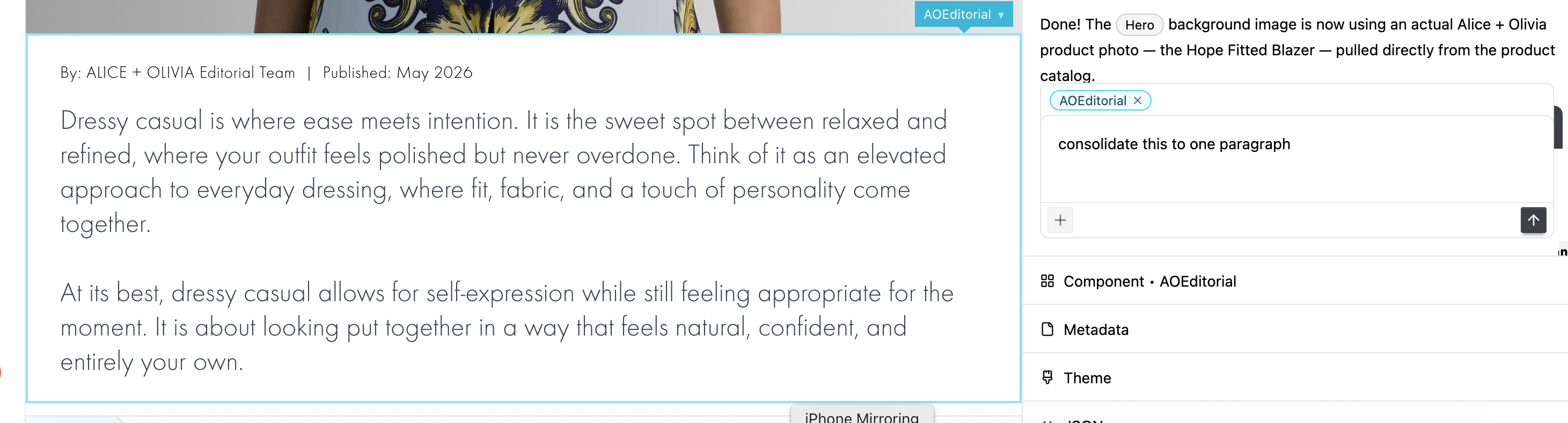
Targeting a specific component via text can get wordy ("change the subtitle of the hero to be…"), so we've addressed that by letting you click on any element to target it for the agent. From there, text commands (like "move this section to the end") work exactly as expected without having to explain what element you're referring to.
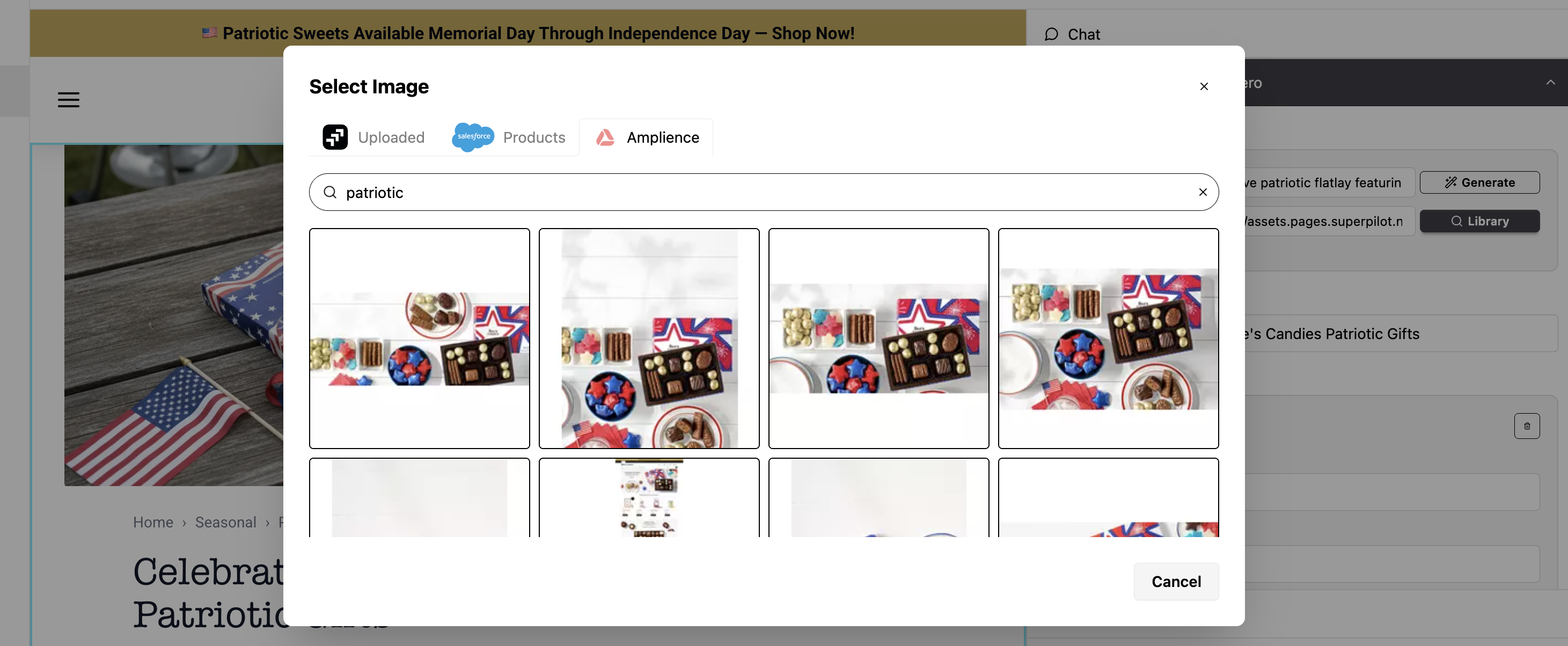
Some tasks—like image selection—are less suitable for chat. In these cases we've designed the UX to be as simple as possible. A small example: we flag every image on the page and give you a one-click entry point to your image library (we can connect to your DAM or CMS) to make your selection.
Chat is powerful for executing tasks, but some work requires fine-grained control. We've accounted for both.
What This Unlocks
This isn't just a UI change. Agent-led generation gives us a flexible architecture to add new capabilities—each as a standalone tool the agent can use when relevant.
For you, that means: describe what you want, and the system figures out how to get there. Less time filling out forms. Less time clicking through workflows. More time on the work that actually requires your judgment.